Kifu Snap User Manual
Support
The preferred support method is via our Discord server. You can also contact
us by email at app_support at kayufu.com.
Tips for Reliable Recording
| >99% | no color | |
| 97%-99% | ■ | green |
| 92%-97% | ■ | yellow |
| <92% | ■ | red |
- Kifu Snap uses colors to indicate confidence in image recognition If there is no color on the whole board, then it is extremely likely to be correctly recognized. You can record your game with the selfie camera so that you can check while playing that there is no badly recognized point.
- Kifu Snap is very robust to recording incidents: there will be no problem if you take back moves, slowly remove stones of a big capture, or if some stones are moved by accident and then placed back to their correct position. Kifu Snap works by constructing a sequence of moves that reaches the currently visible board, trying to visit previously seen boards. So, it may temporarily show a weird line, but it will recover as soon as the board becomes correct again.
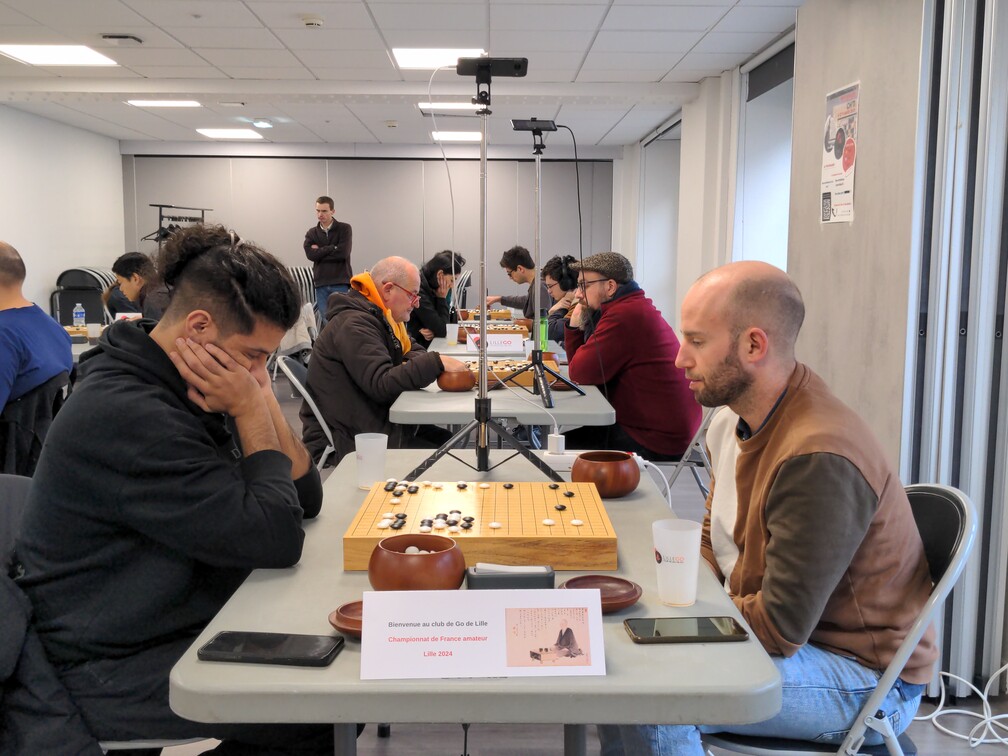
- Recognition will be more accurate if you adjust zoom level so that the board takes most of the frame.
- Some players will bend over the board, and hide it for a long time. Kifu Snap will not add a new move to the current line until it has a clear view of the whole board. If the sequence of played moves was not completely hidden, it will reconstruct it correctly.
- When recording from the side, it is better to put the camera as high as possible. If players are bending over the board, you may have to lower it, though.
- When broadcasting the game, you can set a broadcast delay, which will filter out temporary incidents from the broadcast.
- Beware of battery drain. Older phones with an inefficient CPU may not be able to record a long game on a single battery charge.
OGS Broadcast
In order to broadcast a game you have to first create a demo board on OGS:
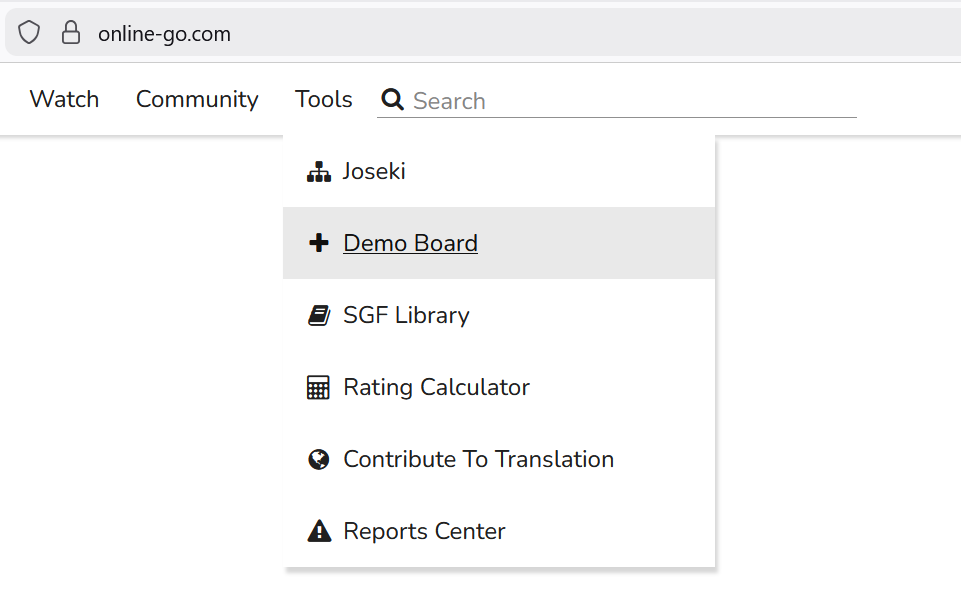
Then, you can log in to OGS from the app (top right menu). When logged in to OGS, an icon will be displayed in the app's top bar:
- connected, not broadcasting
- connected, broadcasting
- cast_warning network error, trying to reconnect
You can tap this icon to select the demo board to broadcast to, or stop broadcasting.
Attention: you cannot watch the game on the OGS web site if you are logged in with the same user as the app. To watch the game, you must either log out, or log in as a different user.
Choosing a Tripod
You'll need a phone support for recording a game with Kifu Snap, and we recommend an extendable selfie-stick tripod. Make sure your tripod is tall enough so that it can sit next to the playing table if there is not enough room on the table itself. Also make sure the phone support can be folded 90° so that the camera can see the board from above.